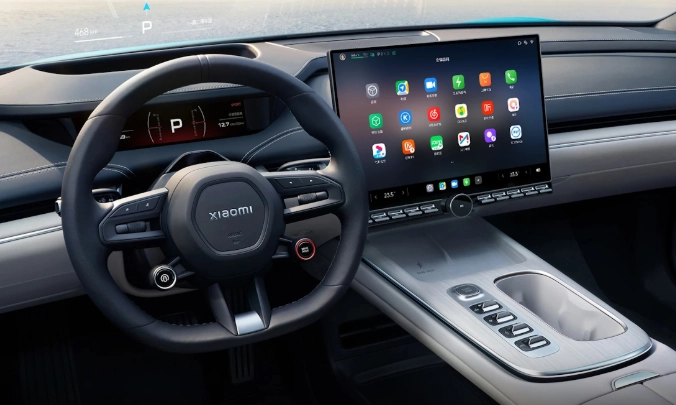
Gone are the days when a car radio was just for music. Today's car infotainment system is the command center of your vehicle. It's the screen, the software, and the brains behind your navigation, music, calls, and even your car's own settings. Getting it right matters more than you might think—a good one makes every drive smoother, while a clunky one can be a daily frustration.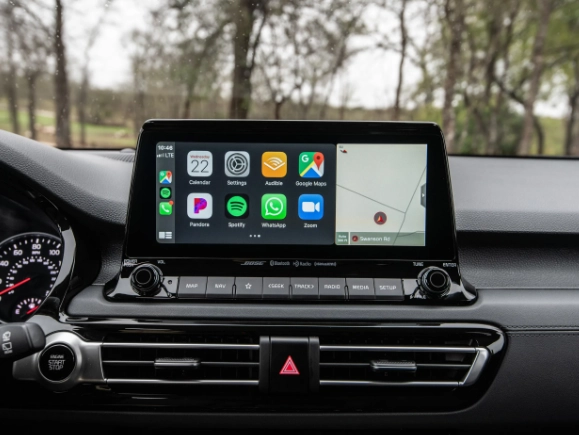
What's Inside This Guide
What is a Car Infotainment System?
Think of it as your car's smartphone. It combines information and entertainment. The core functions haven't changed much in a decade, but how they're delivered has evolved dramatically.
At its heart, every system handles these basics:
Navigation: Built-in GPS or, more commonly now, mirroring from your phone (Apple CarPlay, Android Auto).
Media: AM/FM radio, SiriusXM, music from your phone via Bluetooth or USB, and sometimes built-in streaming apps.
Communications: Hands-free calling, text message reading (when paired with a phone).
Vehicle Settings: This is where brands differ. It can control climate, seat heaters, ambient lighting, and driving modes.
The big shift? Smartphone integration. Apple CarPlay and Android Auto are not the infotainment system itself—they are applications that run on it. They project a simplified, familiar version of your phone's interface onto the car's screen. For many people, this is the most important feature, as it bypasses the car's often slower native software for maps and music.
Key Features to Evaluate in Any Infotainment System
Looking past the marketing gloss, here’s what actually impacts your daily use. I've lost count of how many systems I've tested, and the devil is always in these details.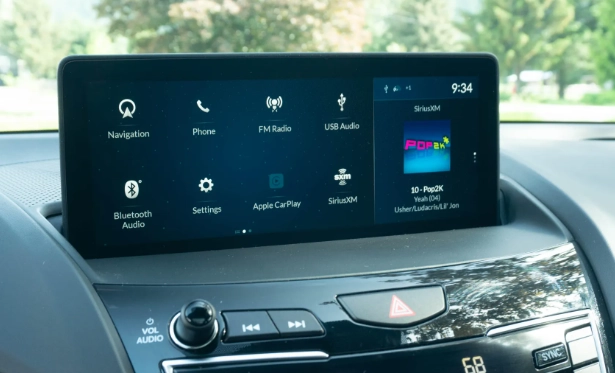
Connectivity: The Lifeline
USB ports seem simple, but their type and location matter. Are they USB-C or old USB-A? Are there enough? I once rented a car where the only USB port was buried deep in the center console, making phone mounting a nightmare.
Wireless vs. Wired: Wireless Apple CarPlay and Android Auto are fantastic—get in, and your phone connects automatically. But they can be buggy. Wired connections are more reliable and charge your phone faster. Some cars offer both, which is ideal.
Phone as a Key / Digital Key: A newer feature where your smartphone can lock, unlock, and start the car. Brands like BMW, Hyundai, and Tesla have their own versions. It's incredibly convenient when it works, but don't ditch your physical key fob just yet.
The Voice Control Reality Check
Every brand boasts about natural language voice control. The truth? Most still understand only a limited set of pre-programmed commands. Trying to say "find me a cheap Chinese restaurant open now" might fail, while "navigate to Chinese food" works.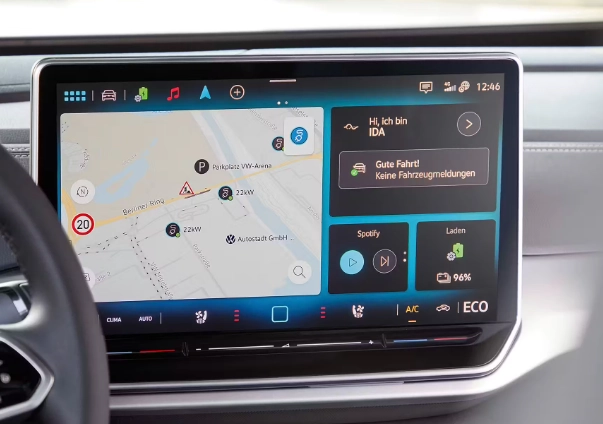
My non-consensus tip: Don't rely on the car's native voice assistant for complex searches. Use it for simple commands like "call home" or "navigate to work." For anything complicated, press the button on your steering wheel, wait for the beep, then say "Hey Siri" or "Okay Google" to activate your phone's superior assistant through CarPlay/Android Auto. It's a workaround, but it works.
Screen Quality and Placement
Size isn't everything. A well-integrated 8-inch screen can be better than a poorly placed 12-inch one. Look for:
Glare: Test drive on a sunny day. Does the screen wash out? Matte finishes are better than glossy.
Angle: Is it canted toward the driver? It should be.
Responsiveness: Does it feel like a modern tablet or a laggy kiosk? Tap and swipe during your test drive.
Comparing the Major Players: OEM Systems
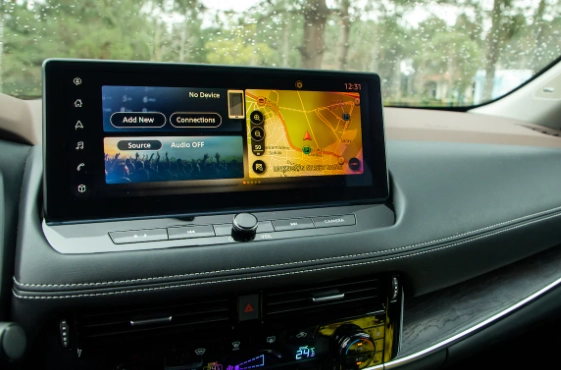
Car manufacturers pour billions into their proprietary systems. Here’s a breakdown of the current landscape, based on years of experience and industry reports like J.D. Power's U.S. Tech Experience Index Study.
| System (Brand) | Key Strengths | Common Criticisms | Best For |
|---|---|---|---|
| iDrive (BMW) | Intuitive rotary controller, excellent screen graphics, logical menu structure after learning curve. | Steep initial learning curve. Can feel overly complex for simple tasks. | Drivers who appreciate precision and don't mind a system that rewards mastery. |
| MBUX (Mercedes-Benz) | Stunning "hyperscreen" options, strong natural language voice control ("Hey Mercedes"), extensive personalization. | Over-reliance on touch-sensitive controls on steering wheel and console can lead to accidental inputs. | Tech lovers who want a visually impressive, AI-powered cabin experience. |
| MMI / Virtual Cockpit (Audi) | Brilliant digital instrument cluster, crisp graphics, good mix of touchscreen and physical controls. | Lower touchscreen can be a stretch, haptic feedback on screens is divisive. | Those who prioritize a driver-focused, high-resolution digital gauge display. |
| Tesla Interface | Extremely fast, responsive, and minimalist. Over-the-air updates constantly add new features. Gaming and streaming apps. | Almost everything is buried in the touchscreen, including critical safety functions like windshield wipers. No Apple CarPlay/Android Auto. | Early adopters comfortable with a purely digital, tablet-like interface and proprietary ecosystem. |
| Uconnect (Stellantis - Jeep, Ram, etc.) | Often praised for being one of the more user-friendly and responsive systems in mainstream brands. | Can vary in performance and version between models and model years. | Truck and SUV buyers looking for a straightforward, capable system. |
One observation rarely mentioned: The speed of these systems is often tied to the car's model year and trim level. A base model from 2022 might have a slower processor than the top trim from the same year. Always test the exact trim you're buying.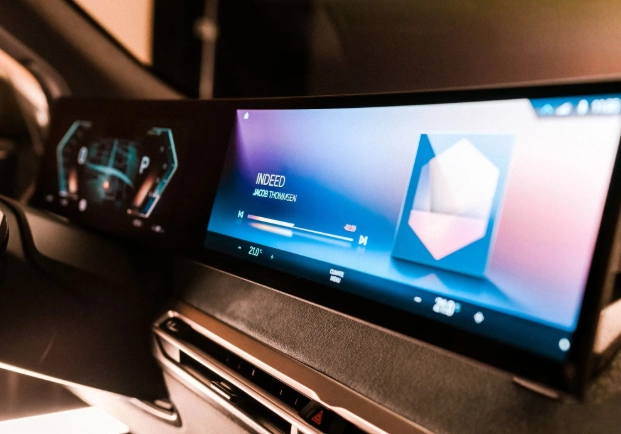
How to Choose the Right System for Your Next Car
This isn't just about picking the shiniest screen. It's about matching the technology to your life.
Scenario 1: Buying New
Infotainment is often bundled into trim levels or optional technology packages. Don't just look at the package name; find out exactly what it includes.
* Does the $2,000 "Tech Package" only add a navigation system you'll never use because you prefer Google Maps via CarPlay?
* Does it add the larger, faster screen?
* Does it include wireless charging or a better sound system?
Prioritize packages that include hardware upgrades (bigger screen, more speakers, better processor) over just software features.
Scenario 2: Buying Used (3-5 years old)
Here, smartphone integration is king. A 2018 car with Apple CarPlay and Android Auto will often feel more modern than a 2020 car without it. Check this first.
Research if the specific model/year had common issues. For example, some early touchscreens from certain manufacturers were prone to delamination or ghost touches. A quick search on owner forums can reveal these gremlins.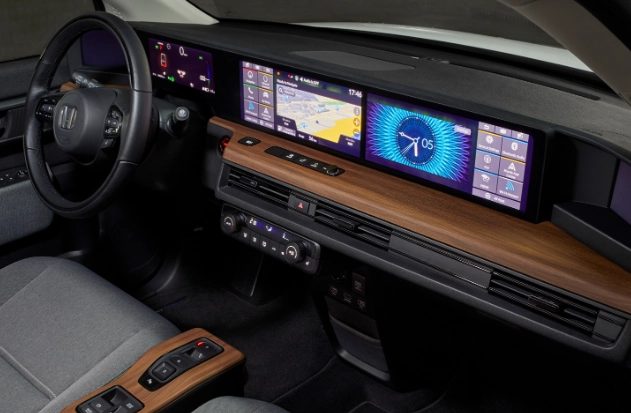
The Future of Car Infotainment: What's Next?
The lines are blurring. The system is no longer isolated. Over-the-air (OTA) updates, like those from Tesla and now Ford, GM, and others, mean your car's software can improve after you buy it, fixing bugs and adding features.
Integration with Advanced Driver-Assistance Systems (ADAS) is growing. Your navigation might soon suggest a lane change, or your augmented reality display could highlight the turn arrow directly onto a live video feed of the road ahead.
Personalization will go deeper. The car will recognize the driver and automatically load their seat position, climate preferences, favorite podcasts, and even daily commute route.
The goal is a seamless, contextual, and helpful experience that reduces distraction rather than becoming a source of it. We're not quite there yet, but that's the direction.