Let's be honest. We've all been there. Staring at a glowing screen telling us to turn left where there's only a wall, or watching the estimated arrival time climb as we sit in unmoving traffic it didn't warn us about. A car navigation system isn't just about getting from A to B anymore. It's about doing it efficiently, safely, and without the headache. But with options ranging from your phone to thousand-dollar integrated units, how do you choose what's right for you? This guide strips away the marketing speak. We'll look at how these systems actually work, the features that matter in 2024, and the trade-offs nobody likes to talk about.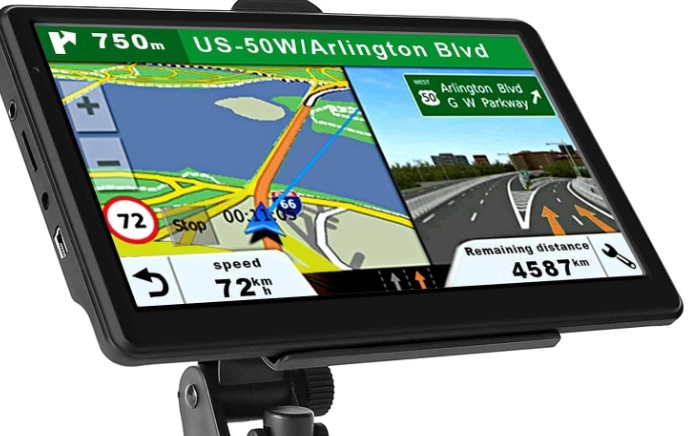
What You'll Find in This Guide
How Do Modern Navigation Systems Actually Work?
It's easy to think it's just a smart map. It's more like a constantly updating web of data. The core is still the Global Positioning System (GPS), a network of satellites operated by the U.S. government. Your device talks to at least four of them to triangulate your position, usually within a few meters. But that's just your dot on the map.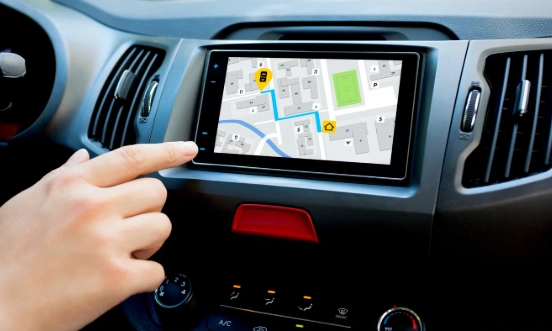
The magic is in the data layered on top. Think of three key pieces:
- Base Maps: The digital atlas stored on your device or streamed. Companies like HERE Technologies, TomTom, and Google create these, detailing roads, points of interest, and speed limits.
- Real-Time Traffic: This is where things get smart. Data comes from other connected vehicles, road sensors, and even anonymized phone data. Services like INRIX and TomTom Traffic analyze this to spot jams, accidents, and slowdowns.
- The Routing Engine: This is the brain. It takes your location, destination, map data, live traffic, and your preferences (avoid tolls, highways, etc.) and calculates the optimal path. It's constantly re-calculating, which is why the route can change mid-drive.
I remember a road trip where my older, non-connected system insisted the interstate was clear. An hour into a standstill, I learned a hard lesson about the value of live data. Today's connected systems would have re-routed me 20 miles back.
What Are the Must-Have Features in a 2024 Navigation System?
Forget the gimmicks. These are the functionalities that transform a basic direction-giver into a true driving assistant.
| Feature | What It Does | Why It Matters |
|---|---|---|
| Real-Time Traffic with Re-routing | Continuously monitors flow, automatically suggests faster alternatives. | Saves time, fuel, and frustration. This is non-negotiable for any daily commute. |
| Speed Limit & Camera Alerts | Displays current speed limit and warns of upcoming speed/red-light cameras. | Promotes safer driving and helps avoid costly tickets. Accuracy is key here. |
| Connected Search & Points of Interest (POI) | Lets you search for gas, food, etc., with live info like prices and hours. | No more guessing if a gas station is open or a restaurant is crowded. It turns the system into a travel tool. |
| Offline Map Capability | Allows you to download regional maps for use without a data signal. | Crucial for road trips through mountains, national parks, or areas with poor cell coverage. |
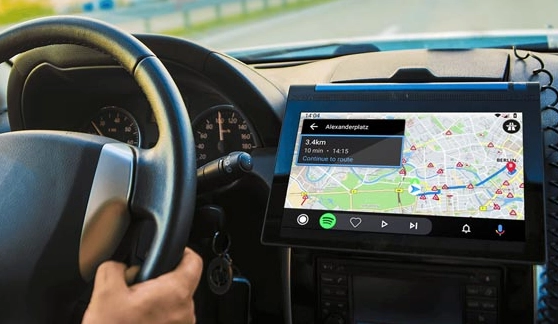
| Integration with Car Displays | Projects directions onto the instrument cluster or head-up display (HUD). | Keeps your eyes on the road. You shouldn't have to look away to a center screen. |
A subtle but critical point most reviews miss: the quality of the voice guidance. Does it say "turn right in 500 feet" or does it use clear landmarks like "after the traffic light, turn right onto Main Street"? The latter is far less stressful in complex intersections.
The Big Debate: Smartphone vs. Built-In Car Navigation
This is the most common question. Your phone with Google Maps or Waze is brilliant, updated weekly, and free. So why would anyone pay for a built-in system?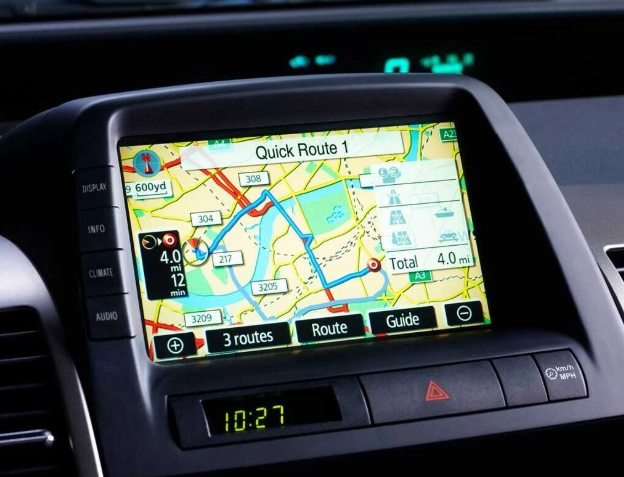
Let's break down the real differences.
The Case for Your Smartphone
It wins on freshness and intelligence. The search is unparalleled—you can find anything. The interfaces are refined through billions of uses. They're also always with you, so you have it in rental cars or a friend's vehicle. For most people, most of the time, it's more than enough.
But the costs are hidden. It drains your phone battery and heats it up, which degrades the battery long-term. It relies on your cell signal. In a dead zone, you're lost unless you pre-downloaded maps. The display is smaller, and mounting it can look clunky.
The Case for a Built-In (or High-End Aftermarket) System
Integration is the killer feature. The map appears in your instrument cluster or HUD. Voice control often works better with the car's microphones. The GPS antenna is typically more powerful, housed in the roof, leading to faster, more stable signal acquisition, especially in cities with tall buildings.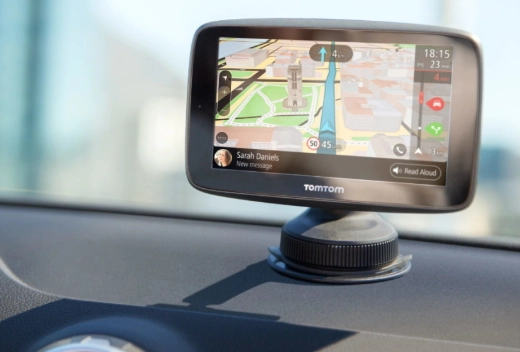
It works without your phone. This is bigger than it sounds. No fumbling for cables, no worrying about a dead phone battery. For families sharing a car, the navigation is just there, tied to the vehicle, not a person.
The major downside? Cost and update cycles. Factory navigation can add $1000+ to a car's price. Map updates can be expensive ($150-$300) and infrequent (sometimes yearly). Some cheaper built-in systems feel sluggish compared to a flagship phone.
My take? If you buy new cars frequently and live in an urban area with great cell coverage, your phone is fantastic. If you take long road trips off the beaten path, drive in areas with spotty signals, or plan to keep a car for 5+ years, a robust built-in or premium aftermarket unit (like those from Pioneer or Kenwood with built-in cellular) offers peace of mind that's worth the premium.
Buying Guide: Picking the Right System for You
Don't just check a box on the options list. Think about your actual driving life.
- The Daily Commuter: Your top priority is real-time traffic re-routing. Look for systems with predictive traffic that learns your commute patterns. Good smartphone integration (Apple CarPlay/Android Auto) is a perfect backup here.
- The Road Tripper & Adventurer: Offline maps and a large, detailed database of POIs (like campgrounds, trailheads) are essential. Screen readability in bright sunlight matters. Consider an aftermarket unit with a large, high-resolution display.
- The Urban Driver: You need superb lane guidance for complex highway interchanges and parking information. Systems that show building footprints in 3D view or integrate with parking apps (showing lot locations and rates) are a huge help.
- The Safety-First Driver: Prioritize systems with the best speed limit recognition (that actually reads road signs) and advanced driver alert features (like warning for sharp curves ahead). Integration with adaptive cruise control for automatic speed adjustment is a high-end bonus.
When evaluating a built-in system at a dealership, don't just admire the graphics. Ask the salesperson to demonstrate a live re-route. Ask how map updates are delivered (over-the-air or via dealership) and what they cost. This often separates modern, connected systems from legacy ones.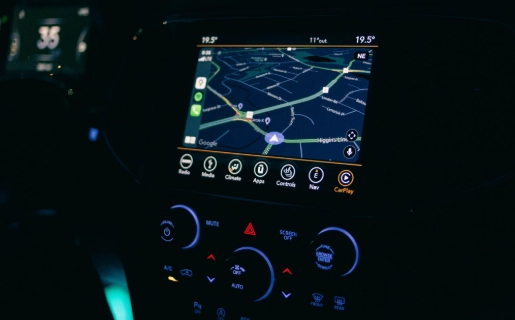
What's Next for Navigation? A Peek at the Future
Navigation is moving from a 2D guide to a 3D co-pilot. Here's what's coming.
Augmented Reality (AR) Navigation: This overlays directional arrows and lane markers onto a live video feed of the road ahead, projected on your center screen or HUD. It makes turns impossible to miss. Brands like Mercedes-Benz and BMW already offer it. It feels like a video game, but it's incredibly effective for complex city turns.
Predictive & Personalized Routing: Your car will learn that you always get coffee at 8 AM on Tuesdays and might suggest a route that passes your favorite shop if there's time. It will sync with your calendar and suggest leaving earlier for an appointment if it sees a traffic incident developing.
Integration with Vehicle Sensors: Future systems won't just use map data. They'll use the car's cameras and radar to identify temporary hazards—like a construction zone the maps don't know about yet—and instantly update the route and share that data with the cloud for other drivers.
The line between navigation, safety systems, and autonomous driving is blurring fast. The goal is a system that doesn't just tell you where to go, but helps you drive better and safer to get there.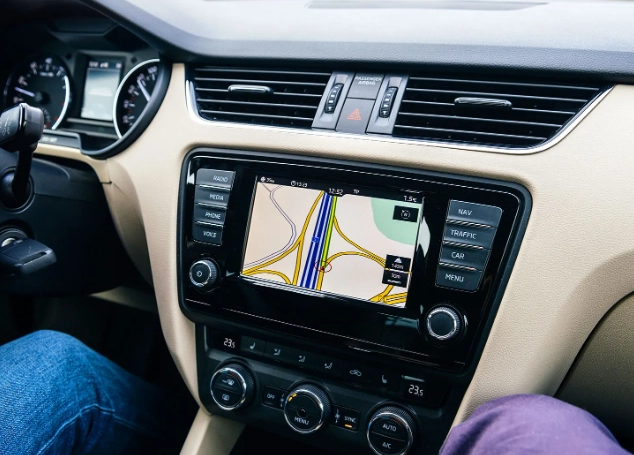
Your Navigation Questions, Answered
Why does my car navigation sometimes take me on weird, longer routes?
It's often a trade-off. The algorithm might prioritize avoiding a road it thinks is congested (based on outdated or predicted data), even if the detour seems illogical. Sometimes, it's avoiding tolls or highways based on your settings. Check your route preferences—'fastest' isn't always the shortest in distance. A common mistake is blindly following it; use your own judgment for familiar areas.
Is using my phone for navigation bad for the car's battery or electronics?
Not directly for the car's main systems, but it can be a hidden drain. Constantly running GPS, screen, and data on your phone heats it up and kills its battery fast. Using a cheap charger that can't supply enough power might mean your phone battery still drains while 'charging.' This stresses the phone battery long-term. A dedicated in-dash system is designed for this continuous load.
I'm buying a used car. How can I tell if the built-in navigation is outdated and expensive to update?
First, check the map data version in the system's settings menu. If it's more than 2-3 years old, be wary. Second, see if it has a SIM card slot or built-in cellular connectivity for real-time updates—if not, updates likely require a dealership visit or buying expensive SD cards/USB drives. Call the brand's parts department with the car's VIN and ask for the cost of the latest map update. You might find it's $200+, making a phone mount a smarter choice.
Do navigation systems store and share where I've been?
Most connected systems do, to some extent. They collect anonymized data for traffic services. However, if you log into the system with an account (like Google, Apple, or the carmaker's own), your travel history is likely stored against that profile. Always review the privacy settings in your car's infotainment system and connected apps. You can often turn off 'location history' or 'data sharing.'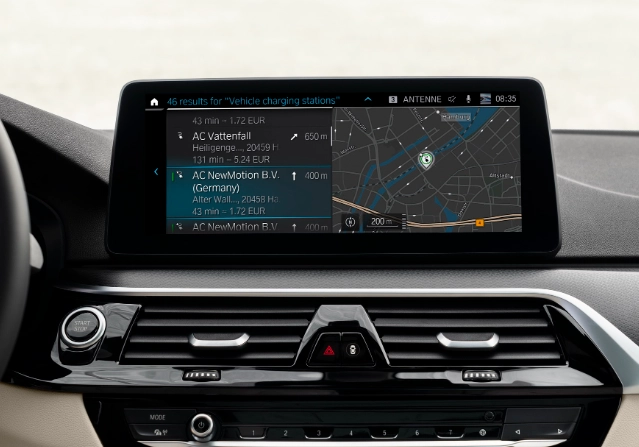
The right navigation system feels like a trusted partner, not a backseat driver. It quiets the anxiety of the unknown road. Whether you choose the brilliant convenience of your smartphone or the integrated assurance of a built-in unit, the goal is the same: to make the journey as smooth as the destination. Focus on the features that match your real-world driving, and you'll never have to wonder if you missed the turn again.